
Operational controls you can hand to an auditor.
The controls below are the ones a security review actually asks about: who signs in, where the data sits, what the counterparty can see, and what the audit log keeps. We would rather list six things we actually do than ten things we say we do.
Microsoft Entra ID single sign-on, with role-based access control.
Single sign-on through Microsoft Entra ID. No separate password store to manage, and the same identity policies you already enforce in Microsoft 365 carry through to Elevate Approvals.
Role-based access control on every action: who can request, who can approve, who can configure. Out-of-office delegation is itself an approved action, with its own audit record, so a temporary handover is never invisible.
Database-per-tenant, not a shared row.
Each customer tenant runs in its own database. There are no multi-tenant table joins, and row-level filters are not the only barrier between your data and another customer’s.
Tenant credentials are scoped to the tenant. Operational access is logged. Backups, restores, and exports are tenant-scoped, so a recovery exercise on one tenant cannot touch another.
TLS 1.3 between every party. AES-256 at rest.
TLS 1.3 from the approver browser, the counterparty form, and any partner integration. The same protection applies to the small surface a supplier or customer touches as to the internal one.
AES-256 encryption for data at rest, including database storage and backups. Secrets and integration credentials are stored in a managed key vault, never in application code.
Suppliers and customers fill in their own form. No tenant access.
Single-use secure links. The counterparty does not see your tenant, your other suppliers, or any internal data. The form view is scoped to the fields you ask for; nothing else is queryable from the counterparty surface.
Links expire. Submitted forms cannot be edited after the workflow opens, so the artefact you review is the artefact the counterparty submitted.
Every approval is time-stamped, attributed, and immutable.
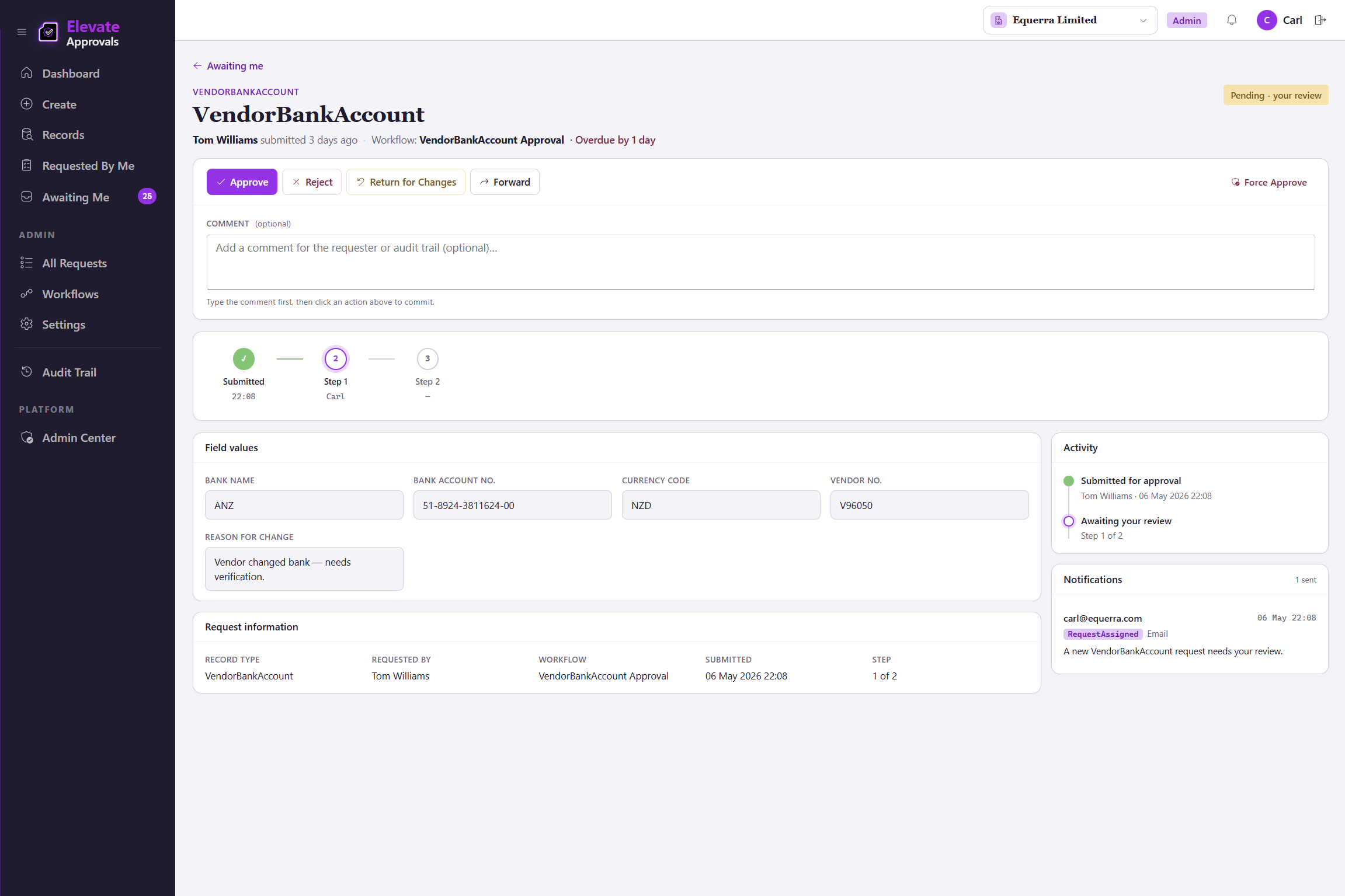
Each request, approval, rejection, delegation, and configuration change is recorded with the user, the timestamp, and the before-and-after value. The audit log is append-only; past entries cannot be edited or removed by any user role.
Audit data is exportable for an internal or external review, in a format your auditor can actually read.
An export your auditor can read.
The audit log is the artefact at the end of every workflow: the request, the approver, the timestamp, the before-and-after value. Four-eyes means the requester is never the approver in that record. Hand it to internal audit, hand it to an external reviewer, hand it to your board.
ANZ-aligned hosting where you choose it.
Hosting in Australia and New Zealand regions on request, on Microsoft Azure infrastructure. Counterparty form traffic terminates in the same region as the tenant, so a New Zealand tenant’s supplier traffic does not transit a different jurisdiction by default.
Backup and replication policies align with the chosen region.
Where we stand on certifications.
We do not currently hold a SOC 2 or ISO 27001 certification. We are happy to walk you through the controls described above and answer specific compliance questions in a security review.
Every approval is time-stamped, attributed, and immutable.
Hand the export to your auditor.